


Earlier this year, I wrote an introductory guide to using Perplexity.AI for all your search needs, and compared its capabilities to ChatGPT. Since then, I have increasingly turned to Perplexity for a number of use cases because the more I use it, the more I love it. And here’s why: it’s not really a search tool. It’s an answer tool. When you ask a question, Perplexity doesn't give you a list of links like a regular search engine. Instead, it uses advanced artificial intelligence to understand exactly what you're asking.
It looks through many web pages and articles to find the most related information. The best part - Perplexity puts this information into a simple, brief answer, like it's chatting with you.
And unlike ChatGPT and other generative AI tools, Perplexity’s answers are significantly more reliable, citing all its information with links and sources.
This week, I’ll we’ll go deeper with Perplexity, exploring its full features with specific use cases that are applicable to public affairs professionals. Specifically, how I use it for:
My morning news briefings
Sourcing helpful academic papers
Analyzing annual and quarterly reports
Producing guides and other resources
If you haven’t read my original intro to Perplexity, I suggest starting there. In that guide, I cover:
How Perplexity complements traditional search engines
How it outperforms ChatGPT when you need to find accurate answers to questions
Practical tips for getting the most out of it.
Now, let’s take this powerful platform for a spin!
Upgrade to Pro
To access Perplexity’s full range of options and capabilities, you need to invest in a Pro account. It’s worth every penny, and you should just treat this as the cost of doing business in 2024. Here’s why:
(Nearly) unlimited searches so you’re never constrained, so long as you don’t exceed 300 queries in a day
Attach images and files so you’re not limited to web content, giving you the option to ask questions about your files and documents
Choice of preferred AI model, so you can work with the model you prefer (GPT-4, Claude 3, Mistral, and Perplexity’s in-house AI)
Use Pro Search
More importantly, having a Pro account unlocks Perplexity’s Copilot (not to be confused with Microsoft’s AI suite of tools by the same name). You can enable Pro Search by turning on the toggle button when you start a new thread:

As the name implies, the Copilot feature functions as a digital assistant that helps you unlock in-depth answers. Pro Search is designed to refine its search based on what you really want. The result, in my experience, is significantly better answers. It asks clarifying questions so that the first answer it produces hits the mark.
Start a thread
Every search you start in Perplexity creates a thread wherein you can explore your topic in greater detail.
Let’s put this feature to use with my first use-case: reading the morning news.
I don’t know about you, but I’m struggling with the firehose of news that greets me in the morning. The information overload can be paralyzing and I sometimes waste 25 minutes jumping between emails and news apps trying to figure out what to click first. So I’ve turned to Perplexity to help me start the day with more focus, with this simple request:
Give me a summary of today's top news stories in Canada

Within seconds, I get a snapshot of what’s driving the news (at least on news publications that are not paywalled). Every item is sourced, and I can click through to read in more detail. And my favourite feature? Scrolling down to the Related searches to help me further explore these topics:
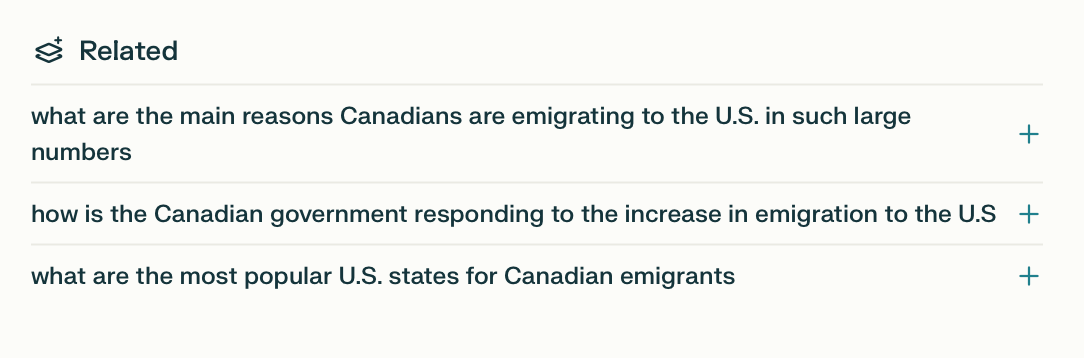
Like you, I’m interesting in consuming news on multiple topics and geographies. Each one of these is its own thread, but if I don’t organize all these threads, I’ll still be feeling scattered in the morning trying to find them in my search history.
This is where Collections are helpful.
Create a collection and add threads to the conversation
I’ve created a collection to capture each of these morning news searches. From the library view, you’ll see the option to start a new collection:

When you click on that option, you’ll be able to name your collection, assign it an emoji, and more importantly, provide prompt instructions.
You can see in this example how I calibrated my morning news collection. I want the AI to write as if it was a trained media analyst.
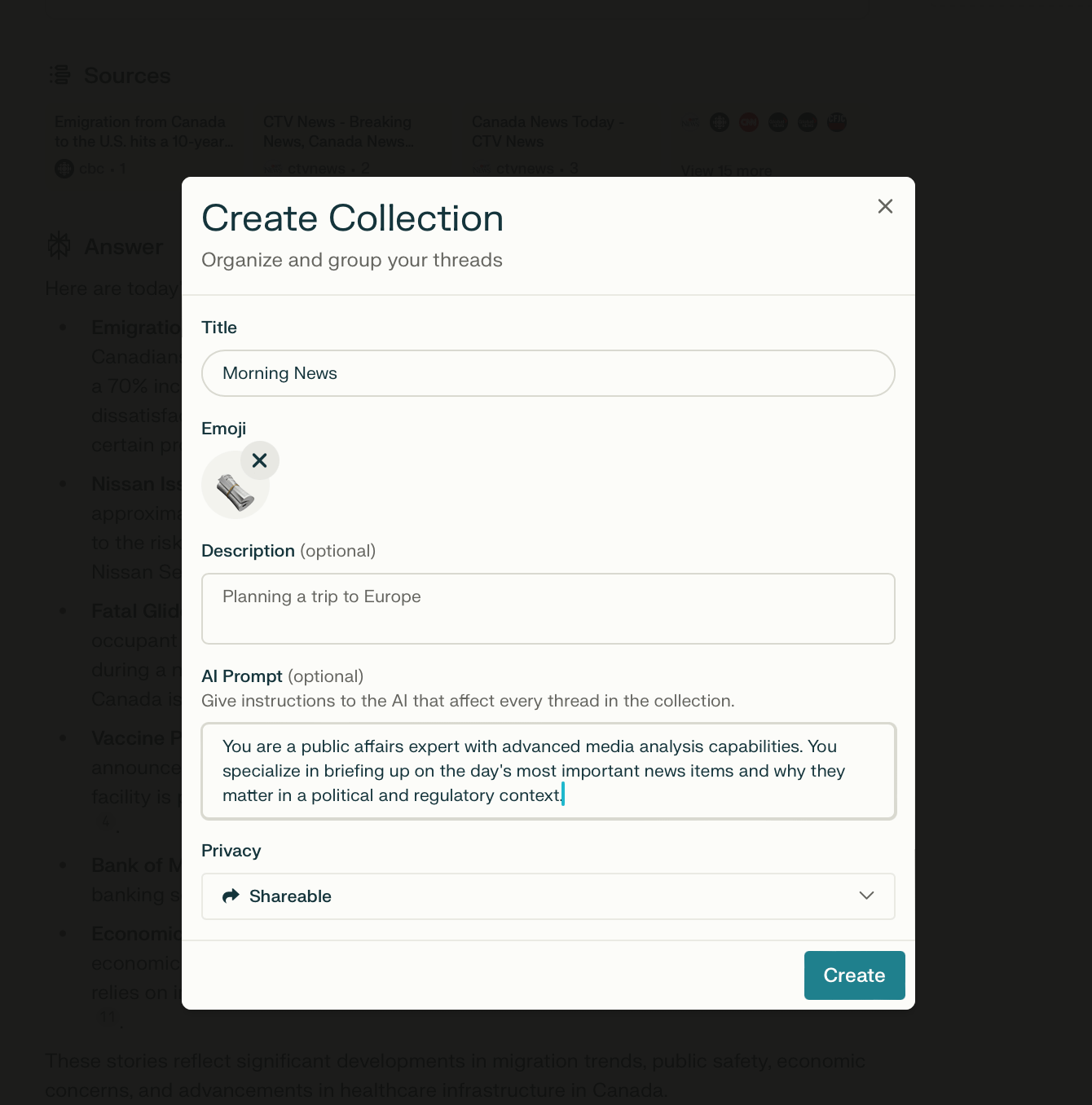
Once my collection is active, I can add more threads to it. For my own collection, I created threads for each jurisdiction, as well as threads for each of my clients, and key industry topics I’m keeping a close eye on.
I’ve also created separate collections for each of my clients and industries, so that I have a history of my searches and topical explorations in one centralized view.
As for my morning news collection, I pull up each thread within that collection in the morning and ask Perplexity for an update. Organizing each topic in a distinct thread gives me a longitudinal view of how the news is evolving, by topic. It’s magical.
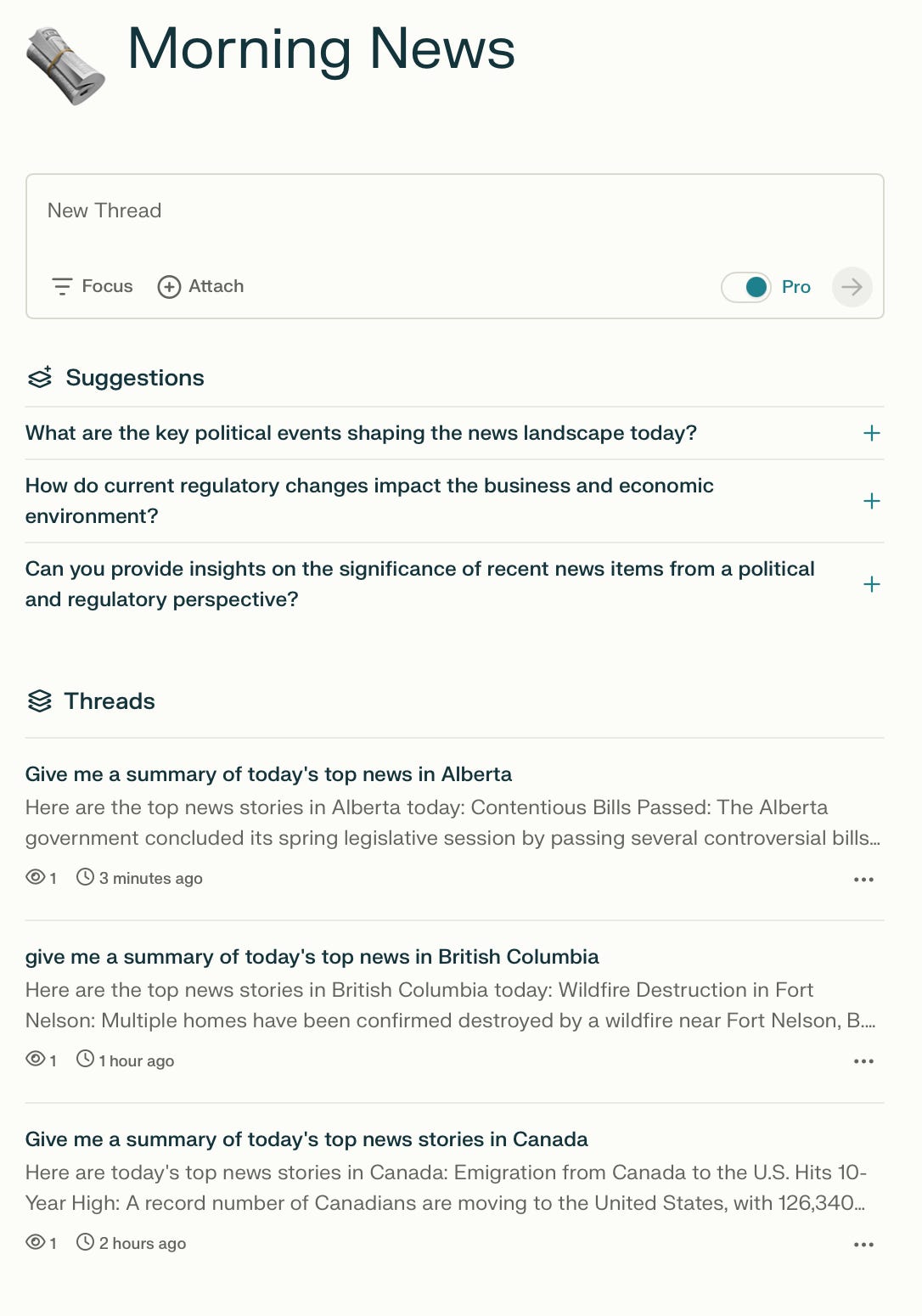
If your team is also active on Perplexity, you can invite them as collaborators so they can add their own threads to your collection, opening up a world of possibilities for what you can do with collections.
Refine your focus when asking a question
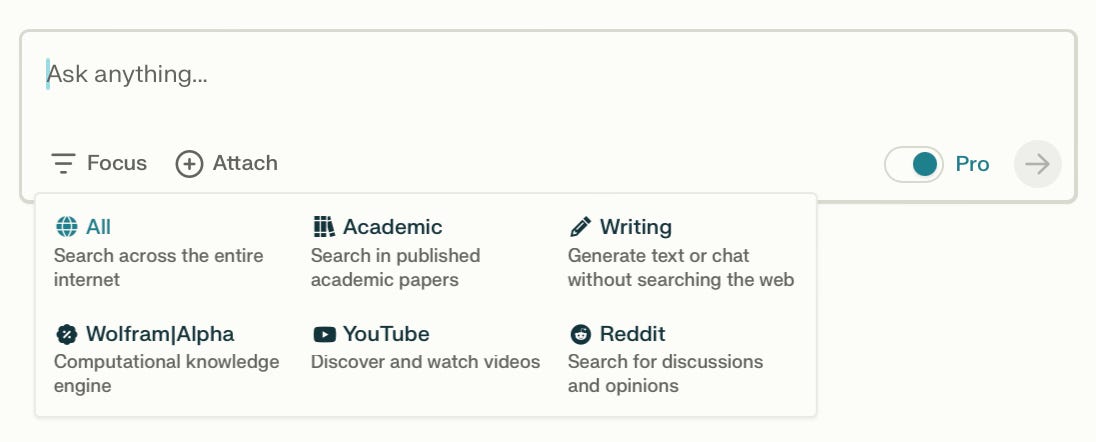
This subtle feature is incredibly powerful.
Here are two use cases for this feature:
Academic papers
While most of your search needs can be captured by the default “All” setting, I sometimes use Perplexity to search through academic papers, especially when I need to find validators on an issue, or to build a better understanding of a topic. Without needing to dig any further, I immediately have access to a treasure trove of papers, including some that were published in the last six months, which is a nice plus. For example, this is what I get when I ask for academic papers that explore how road tolls can fund public transit.
Reddit
I also make use of the Reddit feature for seeing if the issue I’m researching is generating a public response, and what that response looks like. Reddit may not be the perfect mirror of public sentiment, but it often surfaces the types of arguments I could expect to confront on both sides of the debate. For example, here is how the debate about the Carbon Tax is shaping up in Canada.
Explore documents with added context
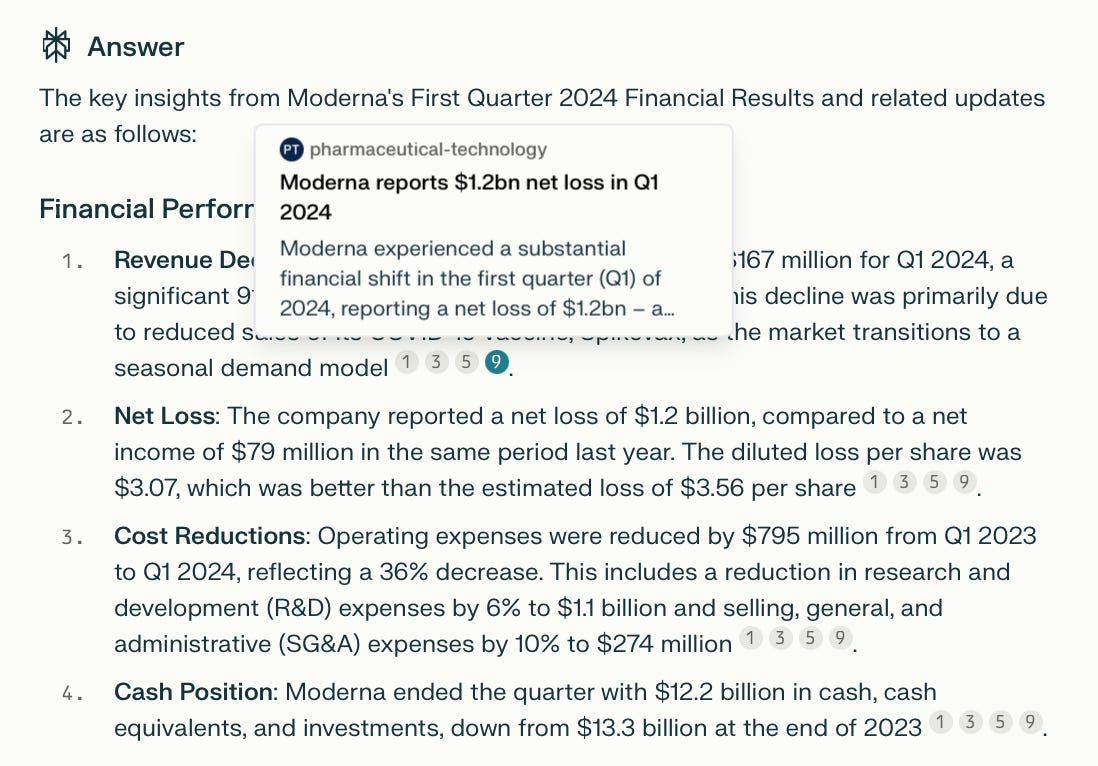
Confession: I love nerding out on annual reports. But sometimes, they can be chore to get through. My new trick is to upload the report to Perplexity and ask it to outline key insights for me. From there, I can use the thread to go down the rabbit hole and further explore the document.
The best part? Perplexity uses the context from the document to supplement its answers with external links, giving you a chance to explore the points in even greater detail. For example, when I uploaded Moderna’s quarterly report and asked it to outline the company’s financial performance, Perplexity linked to coverage about the results in the financial press, as well as sourcing the document I uploaded.
Create a page
Finally, you’ll notice at the top of your thread that you can convert a thread into a page.

What’s the difference between a thread and a page?
Think of threads as your own private search.
Pages are for the times you want to create something worth sharing and looking at forever.
I think about it in the same was I think about a web page I’d be creating on a website, or a resource I want to come back to more often.
For example, I created a page that I can share with new members of my team - The Consultant’s Guide to Government in Canada.
From the Library view, click on the +Page button and you’ll be presented with a blank canvas to build your page:
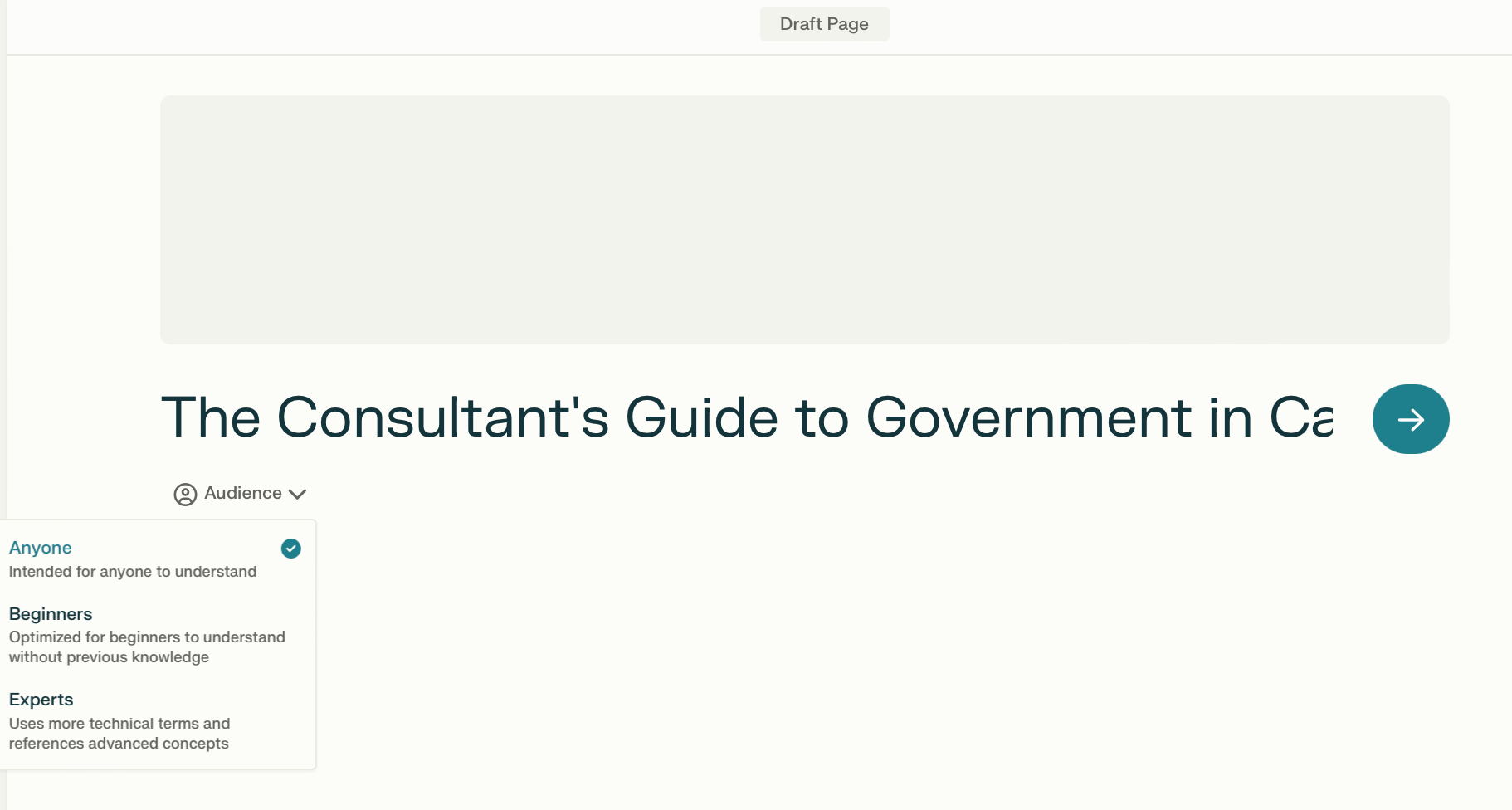
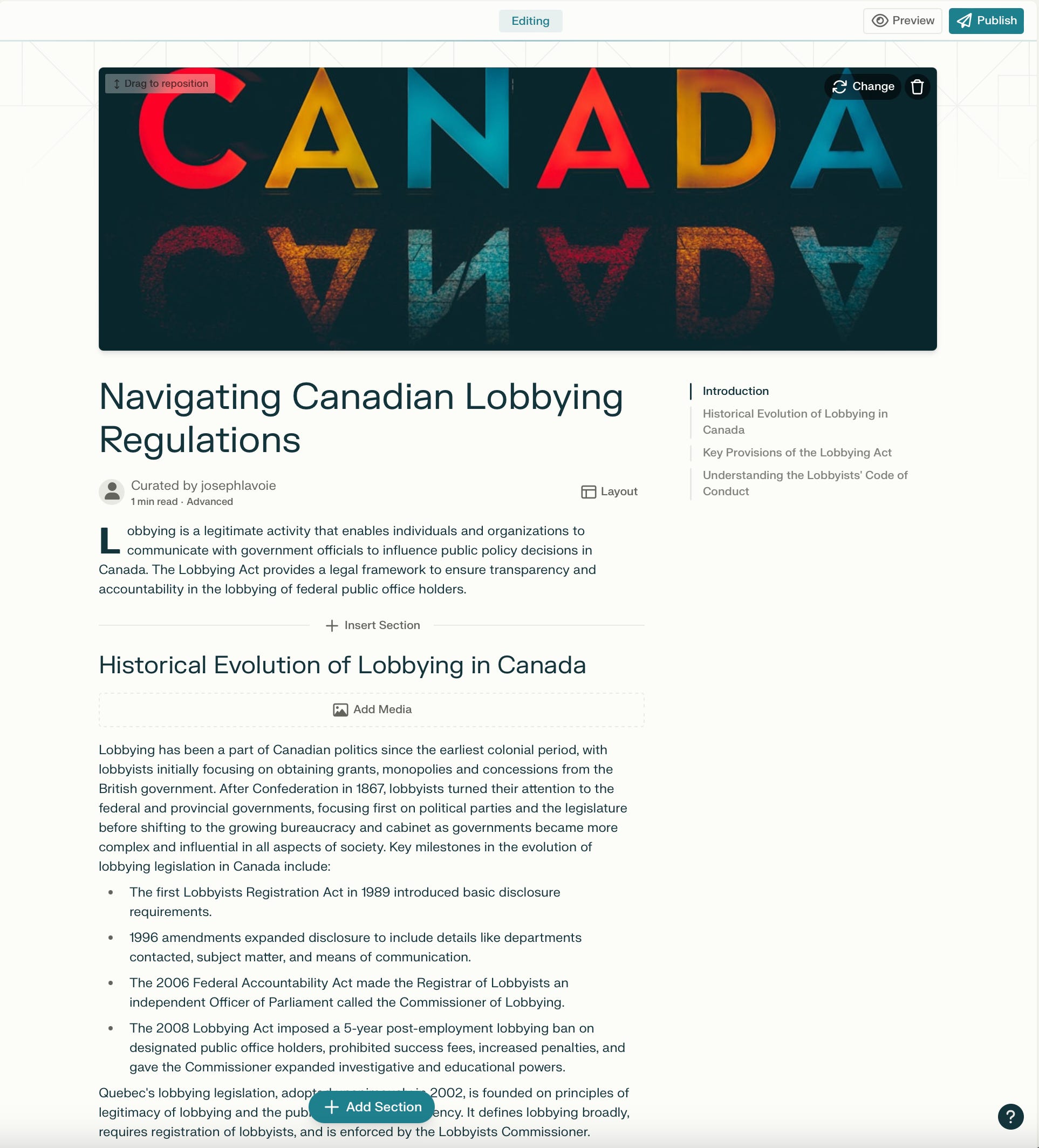
Once you press the big arrow, Perplexity begins to populate your page with sections. I changed the title in my example, but you can see here what I got as a first draft from Perplexity:
From here, if you click to add a new section, you’re presented with the a text generator, where you can tell Perplexity what you want to write in that section, and also format it with rich text and images:
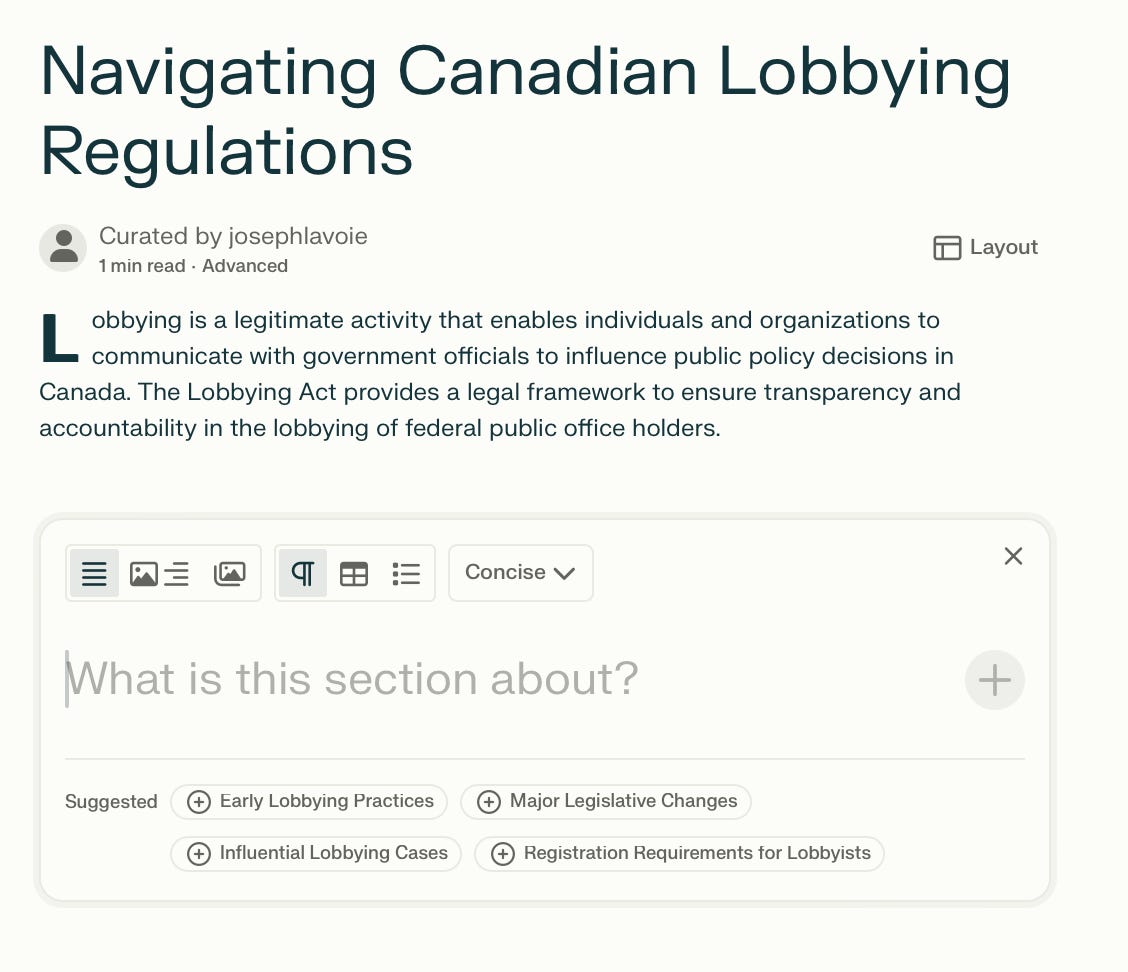
I wanted to add a concise section on the core principles of Canadian government and got this:
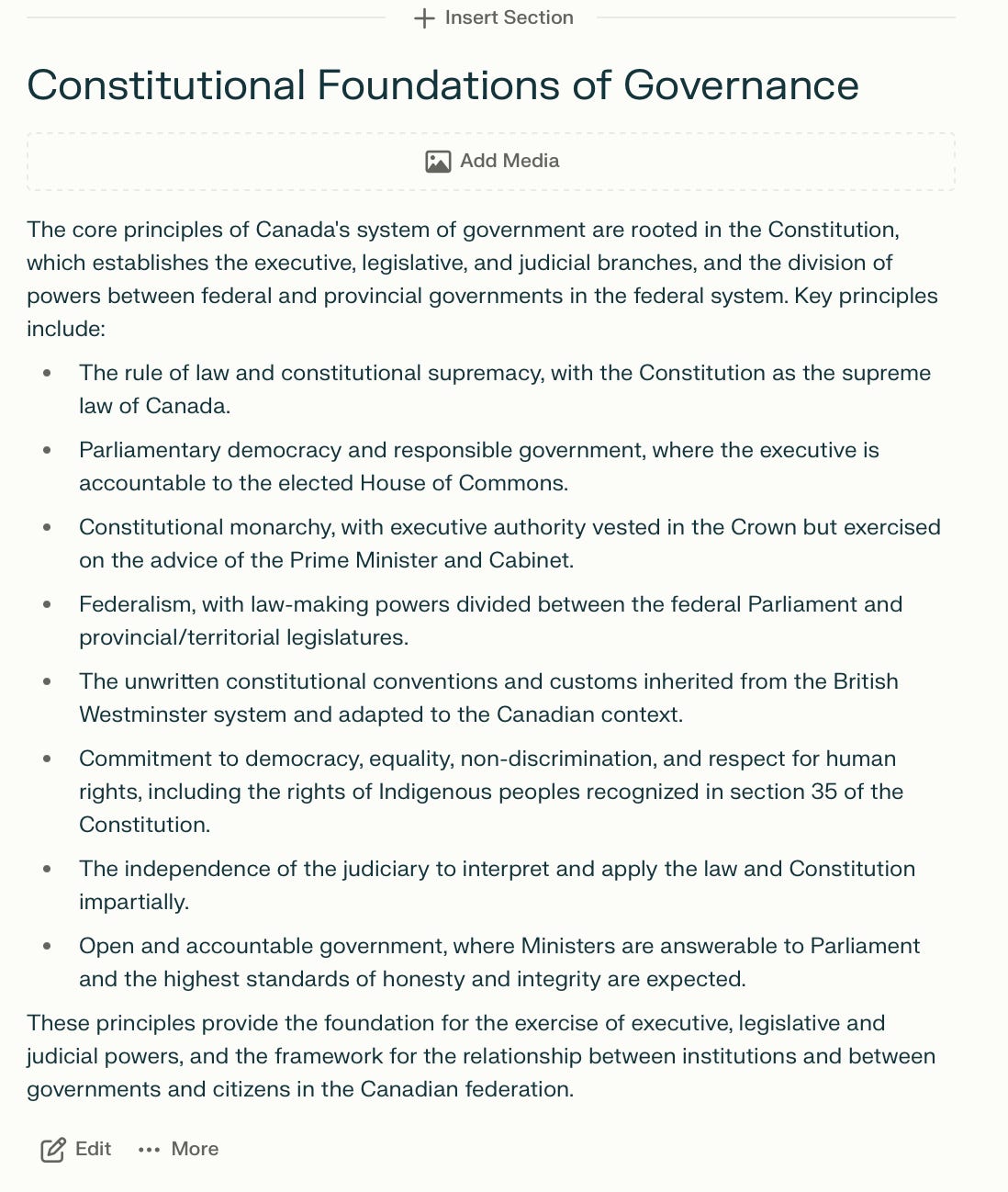
From here, I can edit the text, add images, or format.
Rinse, and repeat, and you end up with a helpful page you can return to for future reference. Here’s an example that took me less than 5 minutes to create.
You can imagine the possibilities: a whole portfolio of collections and pages you’ve built to support your work and areas of focus.
I’d love to hear how you’re using Perplexity. I spoke with one reader recently who told me he adds Perplexity threads to his CRM so he easily reference his research on a prospect. Brilliant!